
LinkedIn Playbook
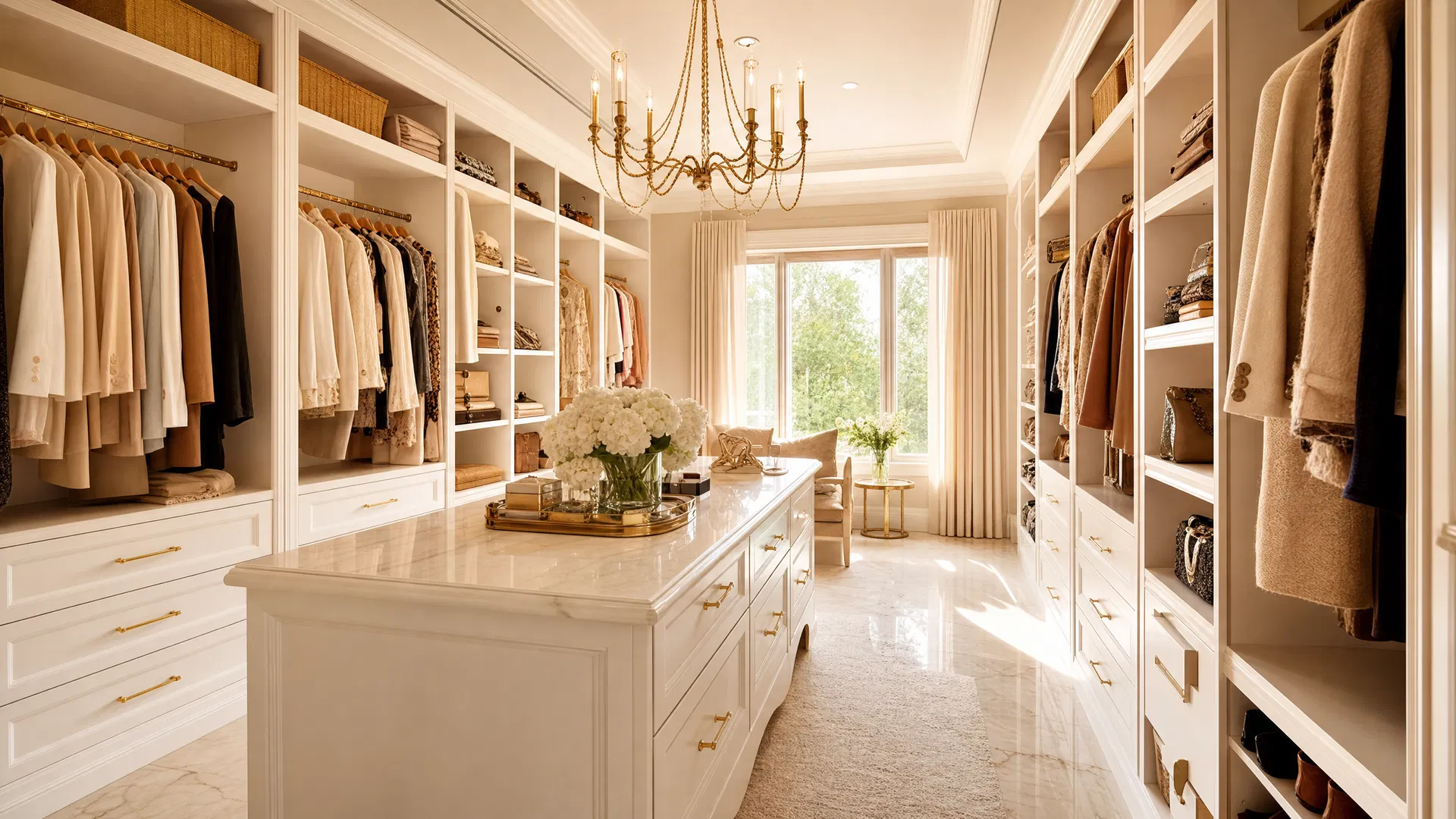
Luxury custom walk-in closet

The Complete Guide

The LinkedIn Playbook for Custom Storage Designers

A simple, step-by-step guide to building your personal brand and growing your network on LinkedIn.

01

Why LinkedIn Matters for Your Business

Imagine walking into a room filled with every interior designer, custom home builder, real estate agent, and homeowner in your area. That room exists — it is called LinkedIn. And unlike a networking event that lasts two hours, this room never closes.

For a custom storage designer, your personal brand is the bridge between a prospect's messy reality and the organized sanctuary you can create for them. When you share your expertise on LinkedIn, you stop being just another salesperson and become a trusted advisor. People buy from those they know, like, and trust.

Professional network connections

By showcasing your process — from the initial free consultation to the final expert installation — you build that trust before you ever step foot in someone's home. A strong personal brand on LinkedIn ensures that when someone thinks of a custom walk-in closet, a functional home office, or a beautifully organized garage, they think of you first.

"Your network is your net worth. Every connection you make on LinkedIn is a seed planted for future business."

02

Getting Started: Setting Up Your Profile

Your profile is your digital storefront. It needs to clearly communicate who you are, what you do, and who you help. Here is how to set it up right from the beginning.

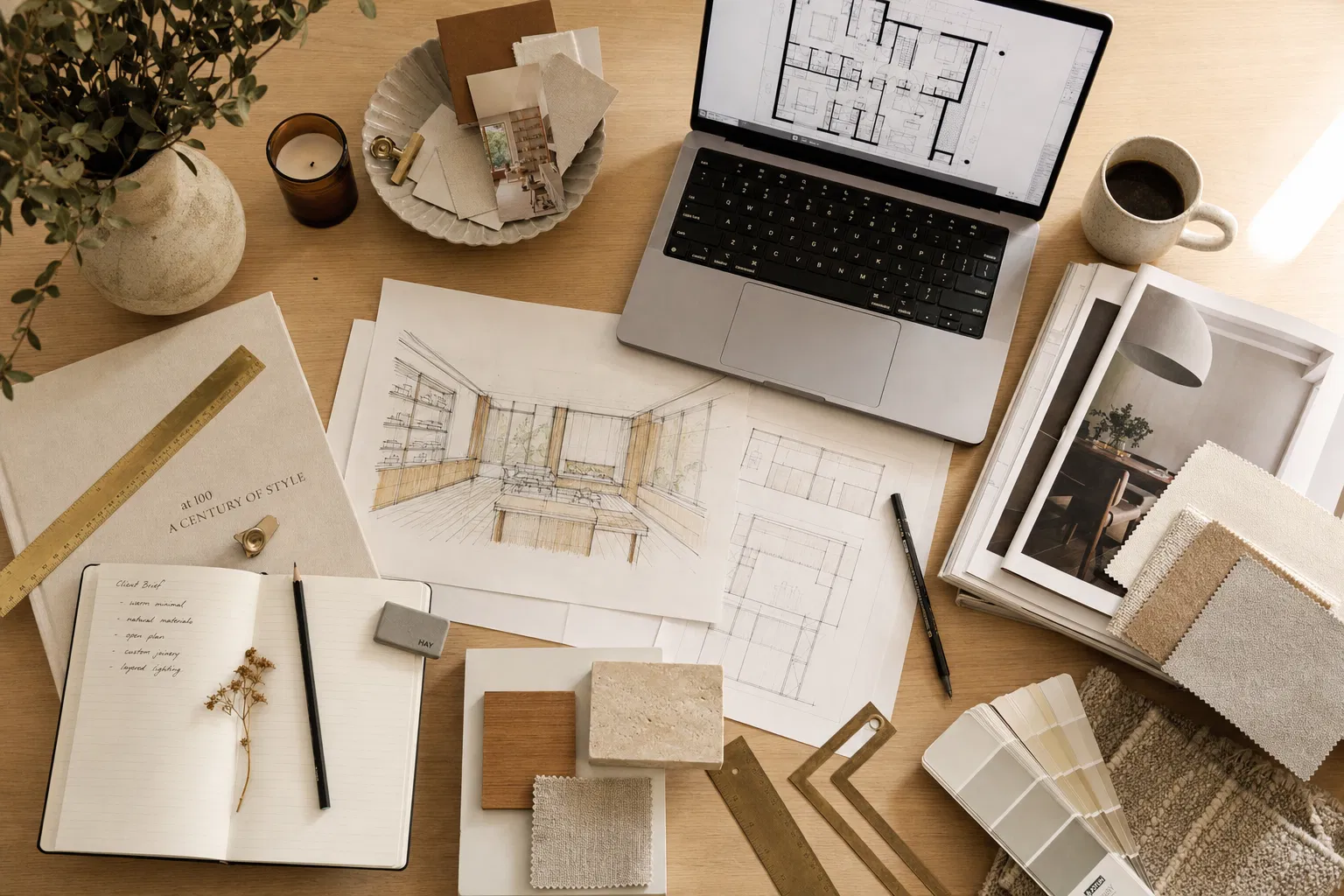
Designer workspace with sketches and materials

Your Profile Photo and Banner

Your profile picture should be professional, well-lit, and welcoming. You are a designer — your image should reflect an eye for detail. For your banner image, use a high-quality photo of a completed project. Perhaps a stunning walk-in closet or a sleek entertainment center. This immediately shows visitors the caliber of your work.

Your Headline

Do not just list your job title. Use your headline to state your value. Instead of "Custom Storage Designer," try something like:

Example headline:

"Transforming chaotic spaces into custom sanctuaries | Custom Storage Designer specializing in Closets, Garages, and Home Offices"

Your About Section

Tell your story. Explain why you are passionate about organization and design. Describe your collaborative process and how you tailor solutions to fit each client's unique needs, style, and budget. Make it personal and relatable — this is where people decide whether they want to work with you.

Step-by-Step Account Setup

1

Go to linkedin.com and click "Join now." Use your professional email address and create a password.

2

Upload a professional headshot. Natural lighting works best. Smile — you want to look approachable.

3

Add a banner image showcasing your best completed project. This is prime real estate — use it wisely.

4

Write your headline using the formula above. Focus on the value you bring, not just your title.

5

Fill out your About section with your story, your process, and what makes working with you different.

04

What to Post: Content Ideas That Work

Staring at a blank post can be intimidating. The secret is simple: document your process rather than trying to create a masterpiece every time. Here are the core themes that resonate with your audience.
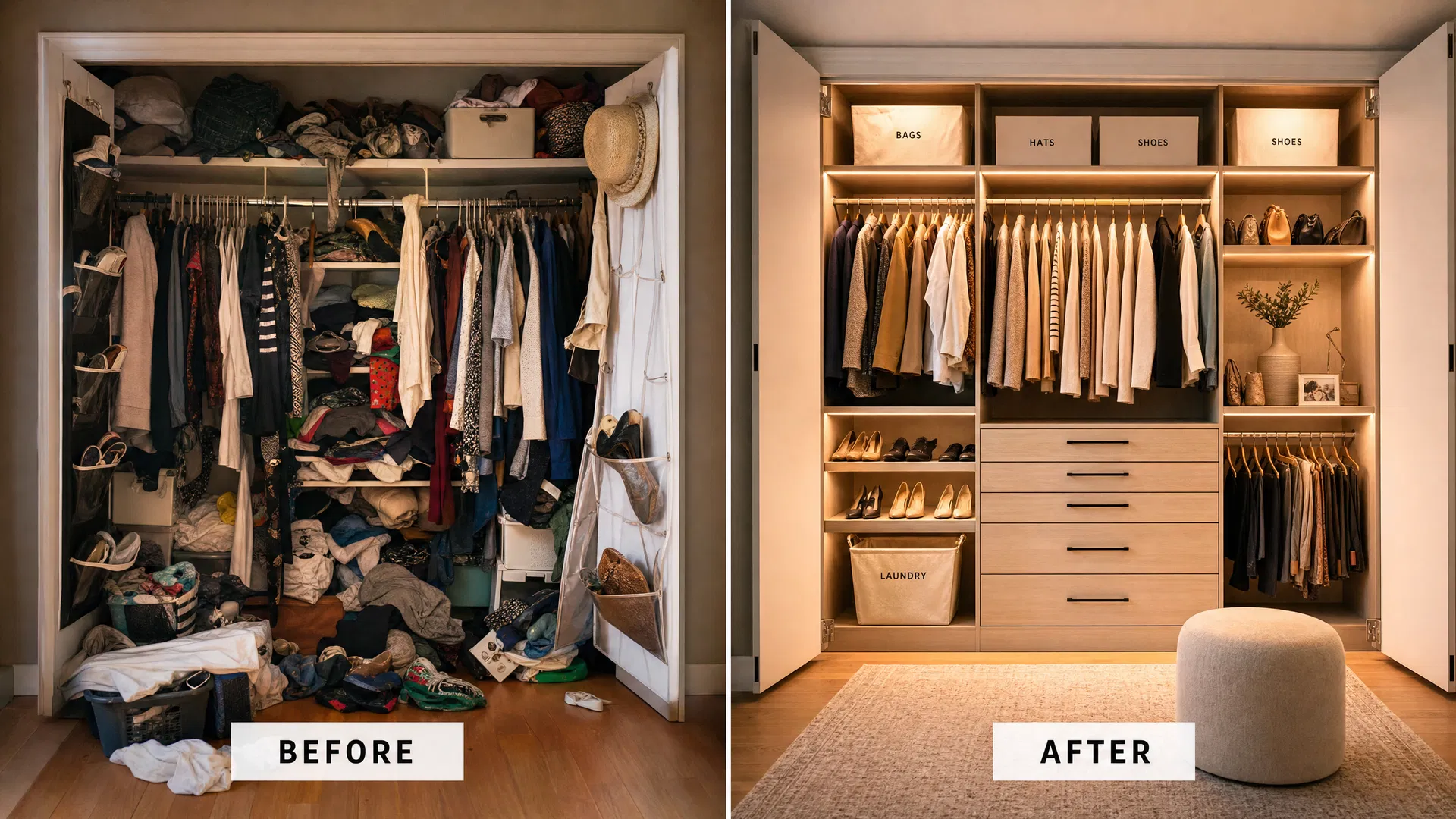
Before and after closet transformation

Before and after transformations are among the highest-performing posts for designers.

Before and After Transformations

Nothing sells custom storage like a dramatic transformation. Show the chaotic "before" and the beautifully organized "after." Explain the specific challenges the client faced and how your design solved them. These posts consistently get the most engagement because people love seeing tangible results.

Behind the Scenes

People love seeing how things are made. Share photos or short videos of your design process — sketching a layout, selecting finishes and materials, or collaborating with the installation team. This highlights your expertise and the care you put into every project.

Design Tips and Organization Hacks

Share your knowledge freely. Post simple tips on how to organize a pantry, the best way to store seasonal clothing, or how to maximize space in a small reach-in closet. This positions you as an authority in your field and keeps you top of mind.

Client Success Stories

Share testimonials from happy clients. Describe how the new custom space improved their daily life. A story about a client who finally has a peaceful home office or a family that conquered their mudroom chaos is highly relatable and persuasive.

Industry Insights

Comment on trends in home design, organization, or the custom storage industry. Share what materials are popular right now, what color finishes clients are requesting, or what room types are seeing the most demand. This shows you are current and engaged in your craft.
05

Posting Best Practices

Consistency is more important than frequency. You do not need to post every day. Aim for two to three times a week, and make each post count. Here are the principles that will make your content perform well.

1

Engage with Others

Spend time commenting on posts from your connections, especially those strategic partners you identified earlier. Thoughtful comments keep you visible and build relationships faster than posting alone.

2

Always Use Visuals

As a designer, your work is inherently visual. Always include a high-quality photo, a short video, or a carousel of images with your posts. Text-only posts rarely perform well in the design space.

3

Keep it Conversational

Write the way you speak. Avoid overly formal language or industry jargon. Your goal is to connect with real people, so let your personality shine through in every post.

4

Post at the Right Times

Early mornings (7–9 AM) and lunch hours (12–1 PM) on weekdays tend to get the most visibility. Tuesday through Thursday are typically the strongest days for engagement on LinkedIn.

5

Tell Stories, Not Specs

Instead of listing product features, tell the story of the client's journey. What was their life like before? What changed after? People remember stories far longer than specifications.

6

Use Relevant Hashtags

Add 3–5 hashtags to each post. Try #CustomClosets, #HomeOrganization, #InteriorDesign, #StorageSolutions, and #HomeImprovement. This helps people outside your network discover your content.

06

Blogging on LinkedIn: Deep Dives into Design

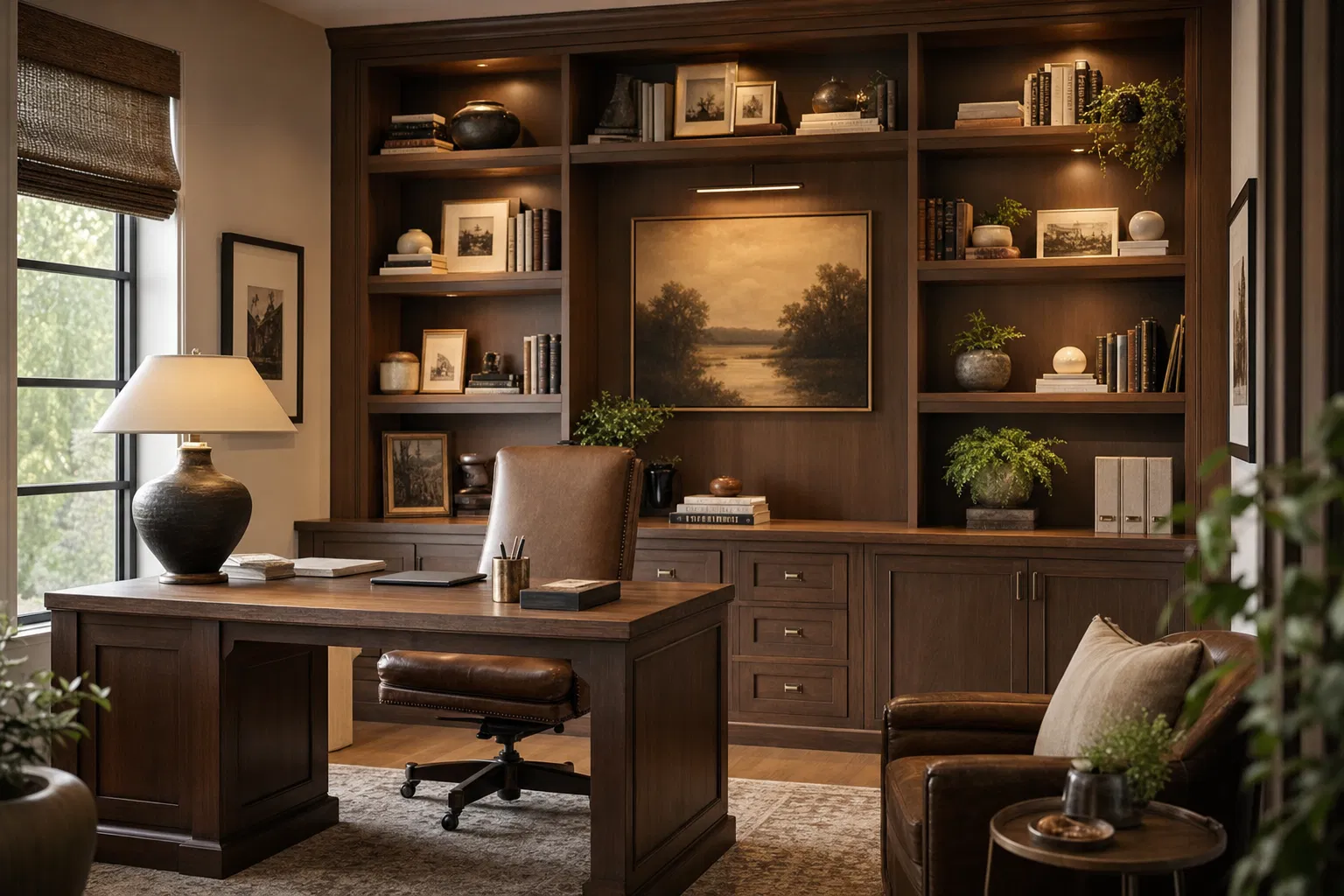
Custom home office with built-in shelving

LinkedIn Articles — their built-in blogging feature — allow you to explore topics in greater depth. While regular posts are great for quick updates and engagement, articles are perfect for comprehensive guides that showcase your deep expertise.

Articles live on your profile permanently and can be shared with prospects who are considering a specific type of project. Think of them as evergreen resources that continue working for you long after you publish them.

Article ideas to get you started:

"The Ultimate Guide to Designing a Functional Home Office"

"5 Signs It Is Time to Upgrade Your Garage Storage"

"How Custom Closets Can Increase Your Home's Value"

"Walk-In vs. Reach-In: Choosing the Right Closet System"

"From Chaos to Calm: A Pantry Transformation Story"

How to Write a LinkedIn Article:

1. Click "Write article" from your LinkedIn home page (under the post creation area).

2. Add a compelling cover image — use one of your project photos.

3. Write a headline that promises a clear benefit to the reader.

4. Keep paragraphs short and include images throughout to break up the text.

5. End with a clear call to action — invite readers to connect, comment, or reach out.

07

Using AI to Help You Navigate LinkedIn

Artificial Intelligence tools like ChatGPT, Google Gemini, or Microsoft Copilot can be powerful assistants in your LinkedIn strategy. Think of them as a helpful writing partner who is always available — they help you overcome writer's block and streamline your efforts.

Brainstorming Post Ideas

If you are stuck on what to post, ask an AI tool to generate ideas. Here is an example of what you might type:

"Give me 10 LinkedIn post ideas for a custom storage designer focusing on spring cleaning season"

The AI will give you a list of ideas you can pick from and customize with your own experience and voice.

Drafting Your Posts

You can use AI to help draft your posts or articles. Provide the AI with the core details — for example, the story of a recent mudroom project — and ask it to write a conversational LinkedIn post. Here is how:

"Write a short LinkedIn post about a mudroom project I just finished. The family had three kids and no place to put backpacks, shoes, or coats. I designed custom cubbies with hooks, a bench with storage underneath, and a top shelf for seasonal items. Keep it friendly and conversational."

Always review and edit the AI-generated text to make sure it sounds like you. Add your personal touches, your specific details, and your unique voice.

Improving Your Profile

AI can also help you write a compelling "About" section or optimize your headline. Give the AI a brief description of your experience, the types of projects you specialize in, and what makes you different — then ask it to create a professional, engaging LinkedIn summary. You will be surprised how quickly it can give you a strong starting point to refine.

Important Reminder

AI is a tool, not a replacement for your voice. The best posts always have your personal stories, your specific project details, and your authentic personality. Use AI to get started and overcome blank-page anxiety, then make it your own.

08

Building Your Personal Brand: The Long Game

Your personal brand is not a logo or a tagline. It is the reputation that precedes you into every room — digital or physical. On LinkedIn, your brand is built one post, one comment, and one connection at a time. It is the cumulative effect of consistently showing up as a knowledgeable, helpful, and trustworthy professional.

When you invest in your LinkedIn presence, you are investing in something that compounds over time. Every piece of content you share becomes a permanent part of your professional story. Every connection you make expands the reach of your future posts. Every comment you leave puts your name in front of new potential clients and partners.

How LinkedIn Grows Your Business

Referral Partnerships

Interior designers, builders, and real estate agents who see your work on LinkedIn will remember you when their clients need storage solutions. You become their go-to recommendation.

Direct Client Inquiries

Homeowners researching custom storage will find your profile and content. Your posts serve as proof of your expertise before they ever contact you.

Professional Credibility

A well-maintained LinkedIn profile with regular content positions you as a serious professional. It is the modern equivalent of a portfolio and business card combined.

Community and Support

Connecting with other designers and industry professionals creates a support network where you can share ideas, learn from others, and stay motivated in your career.

"The best time to start building your LinkedIn presence was a year ago. The second best time is today."

Start small. Post once this week. Connect with five new people. Comment on three posts from professionals in your area. These small, consistent actions build momentum. Within a few months, you will have a thriving network that actively supports your business growth.

Remember — you are not just selling closets, garages, and home offices. You are selling the feeling of calm, control, and beauty in someone's daily life. LinkedIn is where you tell that story to the people who need to hear it most.

The LinkedIn Playbook for Custom Storage Designers